
Features
Feed: Trending
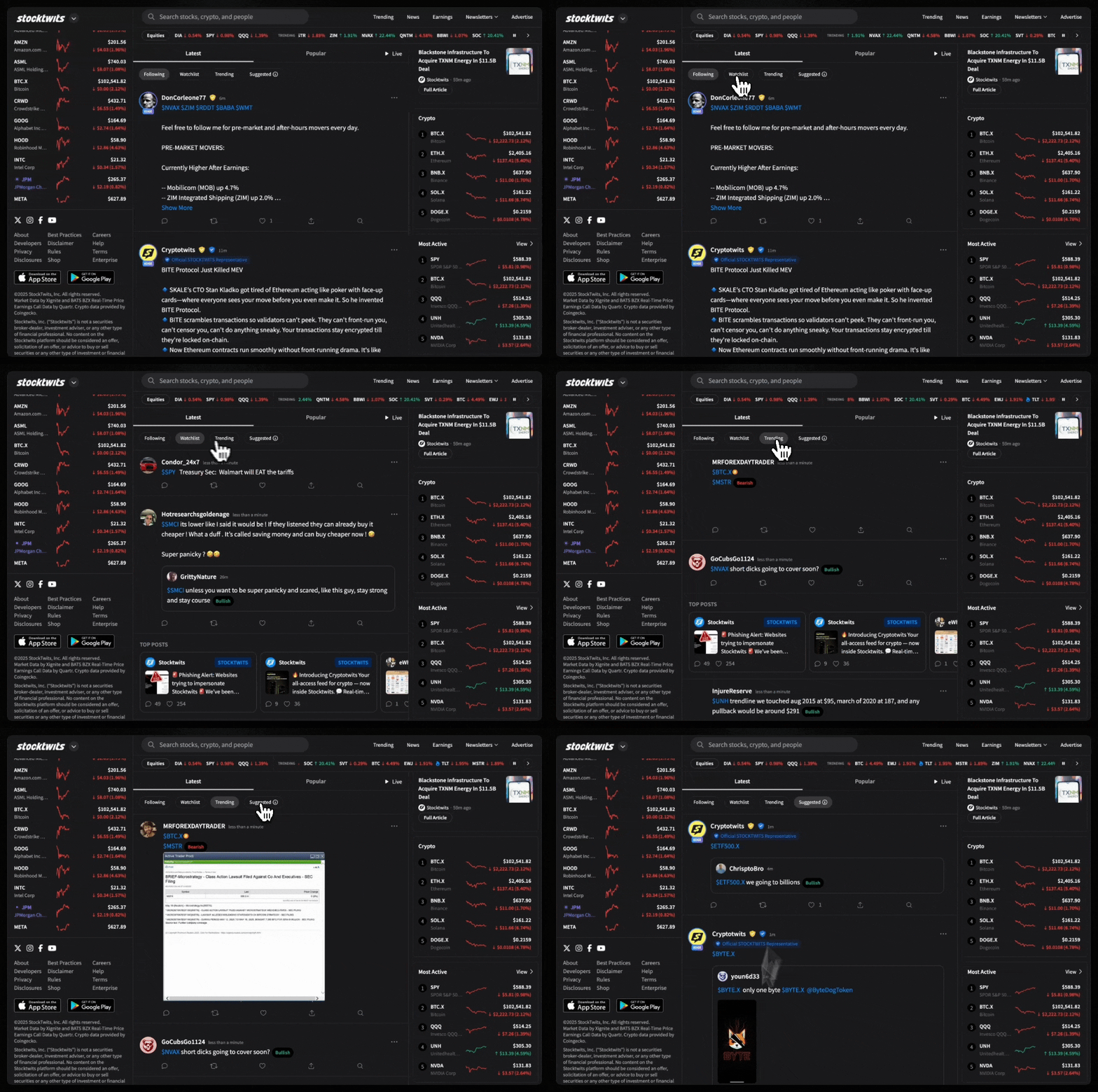
The Trending feed shows you the most talked-about tickers across Stocktwits. It’s where momentum, buzz, and retail attention are happening in real time. How to
Updated 1 min read
Features
- Claim Your Token: Verification for Crypto Projects on Stocktwits
- Advanced Search
- Private Market Symbol Pages
- Feed: Trending
- Sentiment Index
- Sentiment
- Accepted Video Formats on Stocktwits
- Most Active
- How to Switch Between Stocktwits and Cryptotwits
- Earnings Reminders — Help & FAQ
- Stream Topics
- My Posts
- Embed Stocktwits Widgets - Live Market Data for Your Site or App
- Feed: Following
- Web Notifications
- Most Bullish and Most Bearish Lists
- Using Your Watchlist on Stocktwits
- Feed: Watchlist
- Earnings
- CME Futures Data on Stocktwits
- Subscribe to Notifications
- Why It’s Trending
- Most New Watchers
- Filters (Watchlist + Trending)
- Stream Filters
- News
- Managing Your Profile on Stocktwits
- How to create and use polls on Stocktwits
- Feed: Suggested
- AI Earnings Summary
- Trending Bar
On this page
The Trending feed shows you the most talked-about tickers across Stocktwits. It’s where momentum, buzz, and retail attention are happening in real time.
How to View the Following Feed
On Desktop:
Open your Home Feed
Click the “Trending” tab at the top
On Mobile (iOS & Android):
Go to the Home Feed
Tap Community
Select the “Trending” tab
Why It Matters
Spot hot names and emerging opportunities
Monitor where attention is flowing each day
Keep up with community-driven momentum
Was this helpful?