
Features
Feed: Following
The following feed shows you posts only from the users you’ve chosen to follow. It’s your personalized stream of trusted voices, free of outside noise. How to V
Updated 1 min read
Features
- Claim Your Token: Verification for Crypto Projects on Stocktwits
- Advanced Search
- Private Market Symbol Pages
- Feed: Trending
- Sentiment Index
- Sentiment
- Accepted Video Formats on Stocktwits
- Most Active
- How to Switch Between Stocktwits and Cryptotwits
- Earnings Reminders — Help & FAQ
- Stream Topics
- My Posts
- Embed Stocktwits Widgets - Live Market Data for Your Site or App
- Feed: Following
- Web Notifications
- Most Bullish and Most Bearish Lists
- Using Your Watchlist on Stocktwits
- Feed: Watchlist
- Earnings
- CME Futures Data on Stocktwits
- Subscribe to Notifications
- Why It’s Trending
- Most New Watchers
- Filters (Watchlist + Trending)
- Stream Filters
- News
- Managing Your Profile on Stocktwits
- How to create and use polls on Stocktwits
- Feed: Suggested
- AI Earnings Summary
- Trending Bar
On this page
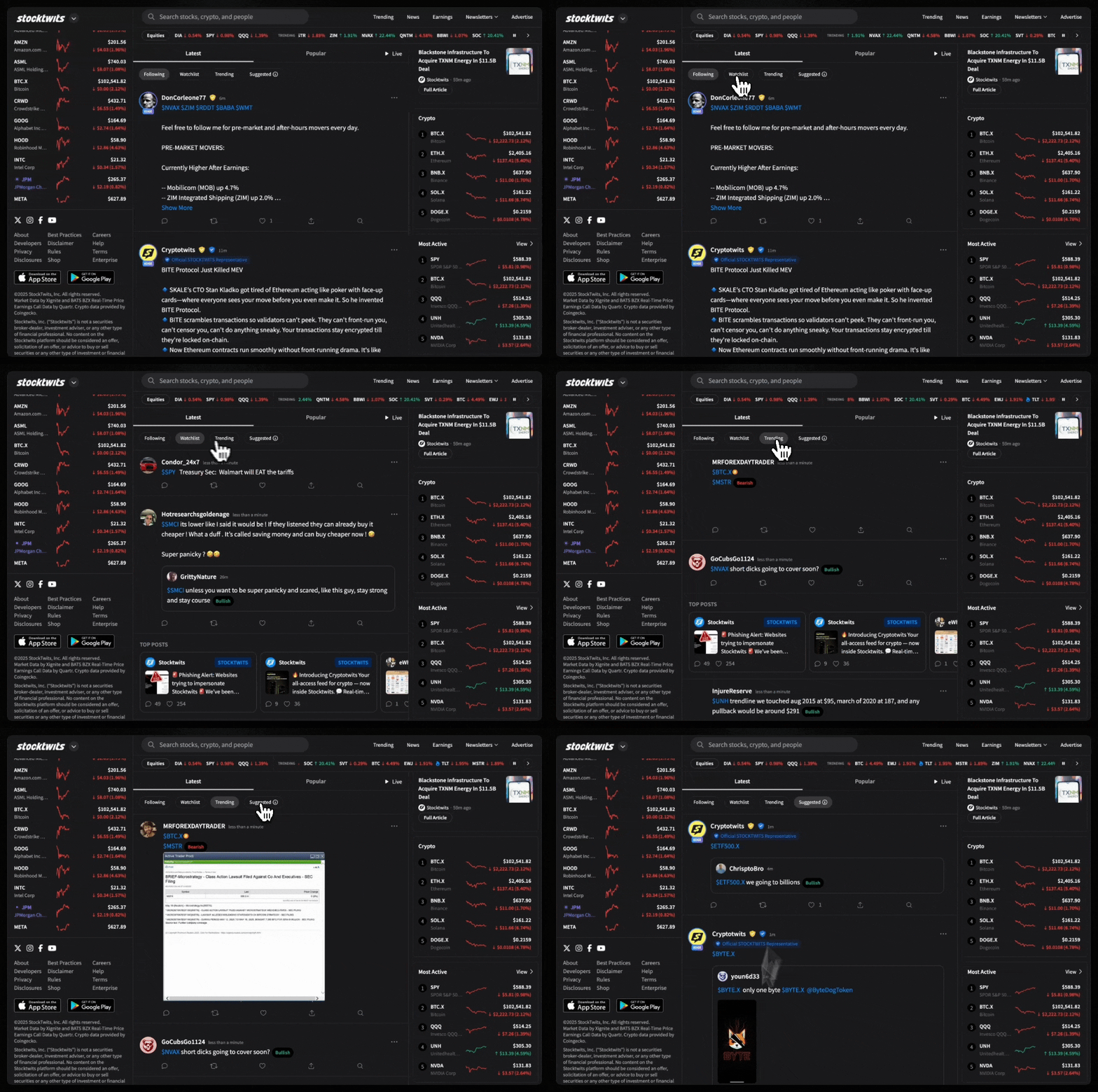
The following feed shows you posts only from the users you’ve chosen to follow. It’s your personalized stream of trusted voices, free of outside noise.
How to View the Following Feed
On Desktop:
Open your Home Feed
Click the “Following” tab at the top
On Mobile (iOS & Android):
Go to the Home Feed
Tap Community
Select the “Following” tab
Why It Matters
Focus only on the traders and investors you value most
Build a curated signal stream tailored to your style
Reduce noise from unfamiliar or irrelevant posts
Was this helpful?