
Articles
How to Change Your Email Address
Updated 1 min read
Articles
- Why can't I post on Stocktwits?
- Using Sentiment on Stocktwits
- Understanding Watchers on Stocktwits
- Understanding Message Volume on Stocktwits
- How do I delete my account?
- How do I report a user?
- How do I sort my watchlist?
- How do I delete a message?
- Why doesn’t Stocktwits support OTC stocks?
- How do I stream messages in real-time?
- How do I reset my password?
- How do I follow someone on Stocktwits?
- What do the bullish and bearish buttons do?
- My account was suspended. What should I do?
- How do I post on Stocktwits?
- How do I filter my stream?
- How do I get a verified account?
- How to Change Your Email Address
- Why can’t I view someone’s profile?
- How do I unblock someone?
- I’m not receiving the password reset email.
- How do I block someone?
- I’m not receiving push notifications.
- How do I add a chart or image to the Stocktwits stream?
- Where can I see Stocktiwts' Privacy Policy and Terms of Use?
On this page
You can update the email address associated with your Stocktwits account directly from your account settings.
Steps to change your email
Open the Stocktwits app or website
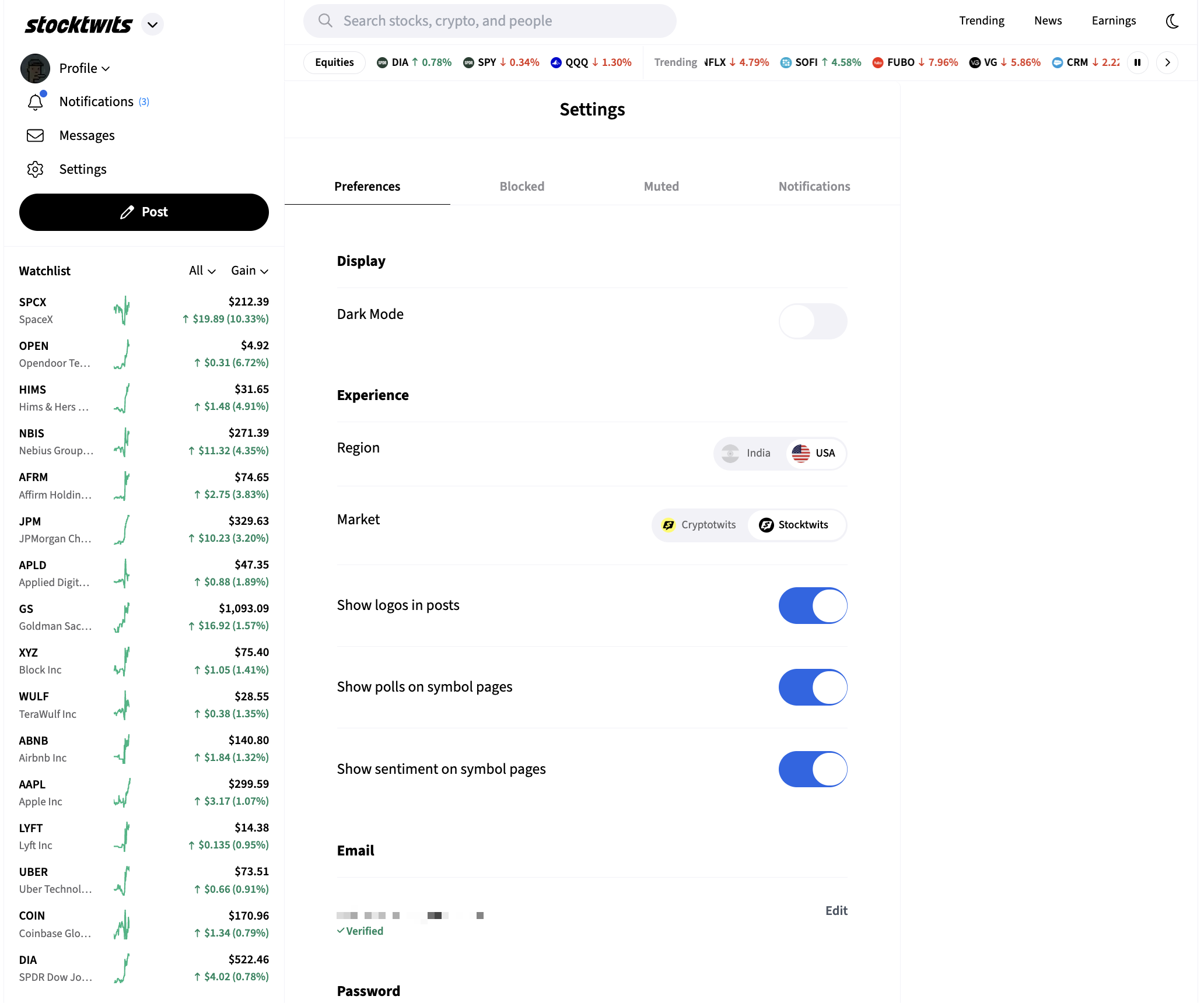
Go to Settings.
Select Preferences (https://stocktwits.com/settings/preferences)
Tap Edit Email.
Enter your new email address and save your changes.
Once submitted, Stocktwits will send a verification email to your new email address. Open that email and click the verification link to confirm the change and complete the update.
If you don’t see the verification email, check your spam or junk folder and make sure you entered the correct email address.
Was this helpful?