
Articles
How do I stream messages in real-time?
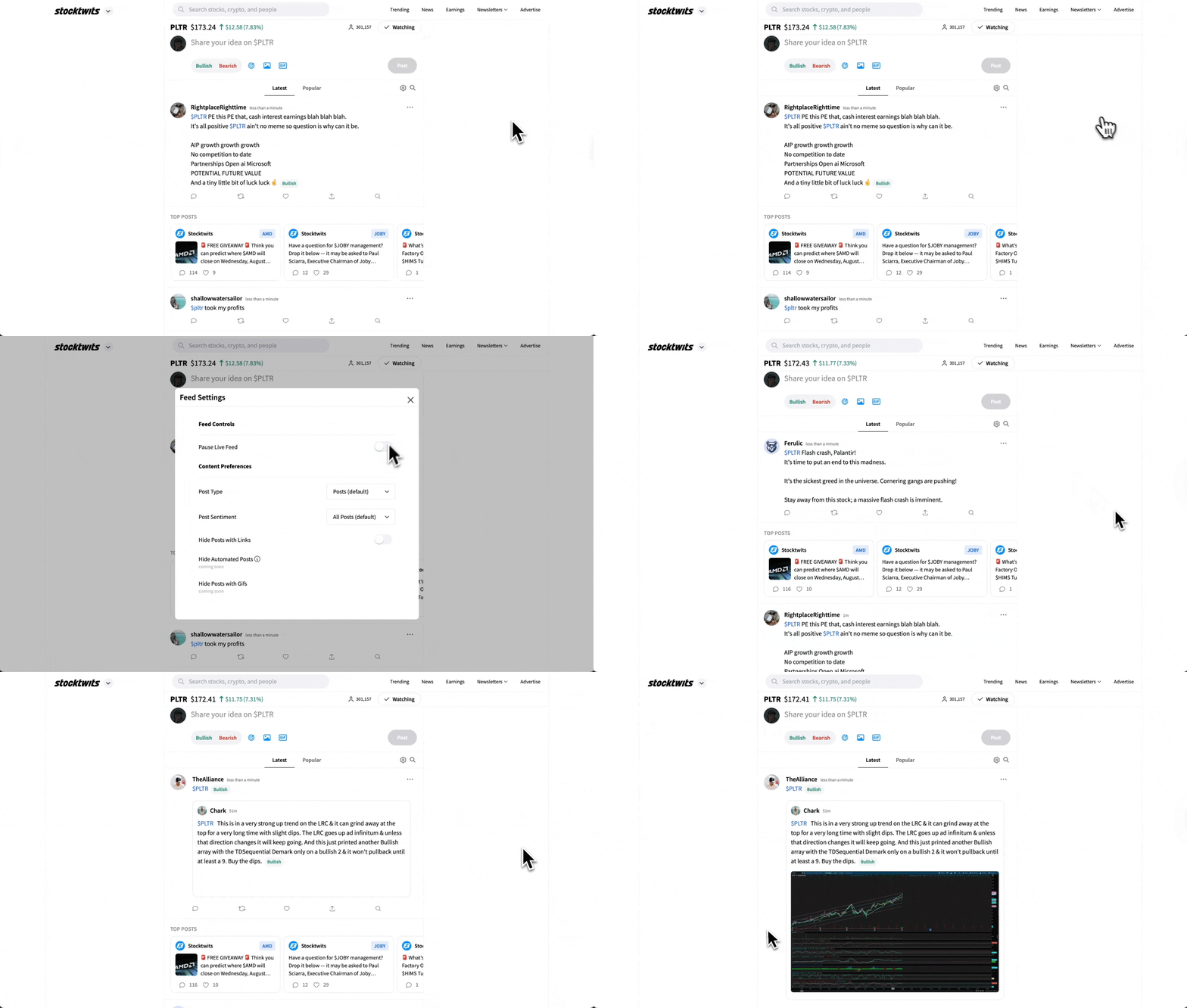
On Web: Ensure you are on the "Latest" stream on the symbol page. Real-time messages are always active on this stream unless paused manually. In case the feed i
Updated 1 min read
Articles
- How do I delete a message?
- Understanding Message Volume on Stocktwits
- How do I filter my stream?
- How do I get a verified account?
- How to Change Your Email Address
- Using Sentiment on Stocktwits
- Why can’t I view someone’s profile?
- How do I unblock someone?
- How do I follow someone on Stocktwits?
- What do the bullish and bearish buttons do?
- How do I report a user?
- Why can't I post on Stocktwits?
- How do I reset my password?
- I’m not receiving the password reset email.
- Understanding Watchers on Stocktwits
- How do I delete my account?
- How do I post on Stocktwits?
- How do I sort my watchlist?
- How do I block someone?
- My account was suspended. What should I do?
- How do I stream messages in real-time?
- I’m not receiving push notifications.
- How do I add a chart or image to the Stocktwits stream?
- Where can I see Stocktiwts' Privacy Policy and Terms of Use?
- Why doesn’t Stocktwits support OTC stocks?
On Web: Ensure you are on the "Latest" stream on the symbol page. Real-time messages are always active on this stream unless paused manually. In case the feed is not showing real-time messages, click on the Settings Gear and uncheck "Pause Live Feed".
On Mobile: Real-time streaming is always active. No action is required.
Was this helpful?